In the complex world of residential care and assisted living, organization isn’t just a luxury—it is a critical necessity. RTasks has emerged as a powerhouse solution designed specifically to bridge the gap between administrative needs and hands-on resident care. Whether you are a nurse managing medication schedules, an administrator overseeing billing, or a caregiver documenting daily living activities, having a centralized system is paramount.
This comprehensive guide explores everything you need to know about RTasks. We will dive deep into its core features like eMAR and EHR, discuss how it enhances accountability, and explain why so many facilities are switching to this robust platform.
What Is RTasks and Why Does It Matter?
At its core, RTasks is a fully integrated software solution tailored for the assisted living and residential care industry. Unlike generic task management apps that might work for a marketing agency, this platform is built with the specific nuances of healthcare regulations and resident safety in mind.
It functions as the digital backbone of a facility. It connects various departments—from clinical staff to housekeeping—ensuring that everyone is working from the same real-time data. The primary goal of RTasks is to streamline workflows, enhance organization, and establish rigorous systems of accountability.
The Evolution of Care Management
Gone are the days of paper charts and sticky notes on the nurses’ station wall. The industry has shifted toward digital solutions that provide transparency and efficiency. RTasks represents the modern standard for care documentation. By digitizing records, facilities reduce errors caused by illegible handwriting or lost paperwork. Furthermore, digital tracking allows for data analysis, helping facility managers spot trends in resident health or staff performance that might otherwise go unnoticed.
Key Features of the RTasks Platform
To truly understand the value of this software, we need to break down its specific functionalities. RTasks offers a suite of tools that cover almost every aspect of facility management.
Electronic Medication Administration Record (eMAR)
One of the most critical components of RTasks is its eMAR system. Medication errors are a significant risk in any care setting, and this module is designed to mitigate those risks effectively.
- Pharmacy Integration: The system can often receive data directly from the pharmacy, ensuring that the medication list matches exactly what was prescribed.
- Safety Checks: It provides alerts for missed medications and requires documentation for any declined doses.
- Controlled Substance Tracking: RTasks helps prevent drug diversion by offering rigorous accountability tools for counting and disposing of controlled medications.
When a caregiver logs into RTasks to administer meds, they are guided through a clear, step-by-step process that protects both the resident and the staff member’s license.
Electronic Health Records (EHR)
Beyond medications, RTasks serves as a comprehensive repository for resident health data. The EHR component allows for the intuitive creation and management of resident profiles.
- Service Plans: You can customize service plans to match the specific needs of each resident, ensuring person-centered care.
- Vital Signs Monitoring: Staff can easily record vitals, and the system can flag values that are out of range.
- Incident Reporting: If a fall or injury occurs, RTasks provides structured workflows for documenting the incident, notifying the necessary parties, and tracking follow-up actions.
Communication and Staff Management
Communication breakdowns are often the root cause of operational failures. RTasks addresses this by integrating communication tools directly into the workflow. Staff can view “Shift Notes” to get up to speed immediately upon clocking in.
Furthermore, the platform handles staff logistics:
- Time Clocks: Integrated clock-in/clock-out features with location verification.
- LMS Assignments: Administrators can assign learning management system (LMS) courses to staff to ensure training compliance.
- Task Lists: Daily chores and unscheduled services are tracked, ensuring no resident need is overlooked.
How RTasks Improves Accountability
Accountability is the buzzword in healthcare management, but RTasks turns the concept into practice. The software creates a digital paper trail for every action taken within the facility.
Real-Time Charting and Documentation
In the past, charting was often done at the end of a shift, relying on memory. RTasks encourages—and often requires—point-of-care documentation. This means that when a service is provided, it is logged immediately. This real-time data entry ensures accuracy and provides families and auditors with a clear picture of the care being delivered.
Auditable Workflows
Every login, every chart entry, and every medication administration in RTasks is stamped with the user’s identity and a timestamp. If a medication is missed, the system knows who was responsible for that cart at that time. This isn’t about punishing staff; it’s about identifying gaps in the process. If a specific shift consistently misses tasks, management can investigate if staffing levels are adequate or if additional training is required.
Implementing RTasks in Your Facility
Adopting new software can be daunting. However, R-Tasks is praised for its user-friendly interface. The transition usually involves several key phases.
Phase 1: Setup and Configuration
Before staff ever log in, administrators configure the system to match the facility’s specific layout and needs. This involves:
- Setting up campus locations and units.
- Inputting resident data and demographics.
- Defining user roles (e.g., Nurse, Caregiver, Housekeeping).
- Configuring the RTasks billing settings to align with financial workflows.
Phase 2: Training and Go-Live
Training is crucial. Because RTasks combines sophistication with ease of use, staff adoption is generally high. However, structured training sessions on how to use the “Today” screen, how to chart services, and how to navigate the eMAR are essential. During the “Go-Live” period, it is common to run R-Tasks alongside the old system for a brief period to ensure data integrity.
Phase 3: Continuous Optimization
Once the system is running, the focus shifts to optimization. Administrators should regularly review the “Campus Trends” and “QA Status” reports available within RTasks. These reports provide high-level insights into the operational health of the business, allowing for proactive management decisions.
The Financial Impact of Using RTasks
While clinical care is the priority, facilities must also be financially viable. R-Tasks contributes to the bottom line in several ways.
Accurate Billing
Missed charges are a common source of revenue leakage in assisted living. If a resident requests an unscheduled service—like an extra shower or room cleaning—it must be documented to be billed. R-Tasks makes it easy to capture these “ancillary” charges. When a caregiver documents an unscheduled service, the system can automatically flag it for billing, ensuring the facility is paid for the work performed.
Reduced Liability
Risk management is a financial concern. Lawsuits arising from medication errors or undocumented incidents can be financially devastating. By ensuring strict adherence to protocols via the RTasks eMAR and incident reporting modules, facilities significantly reduce their liability exposure.
RTasks Login and Mobile Accessibility
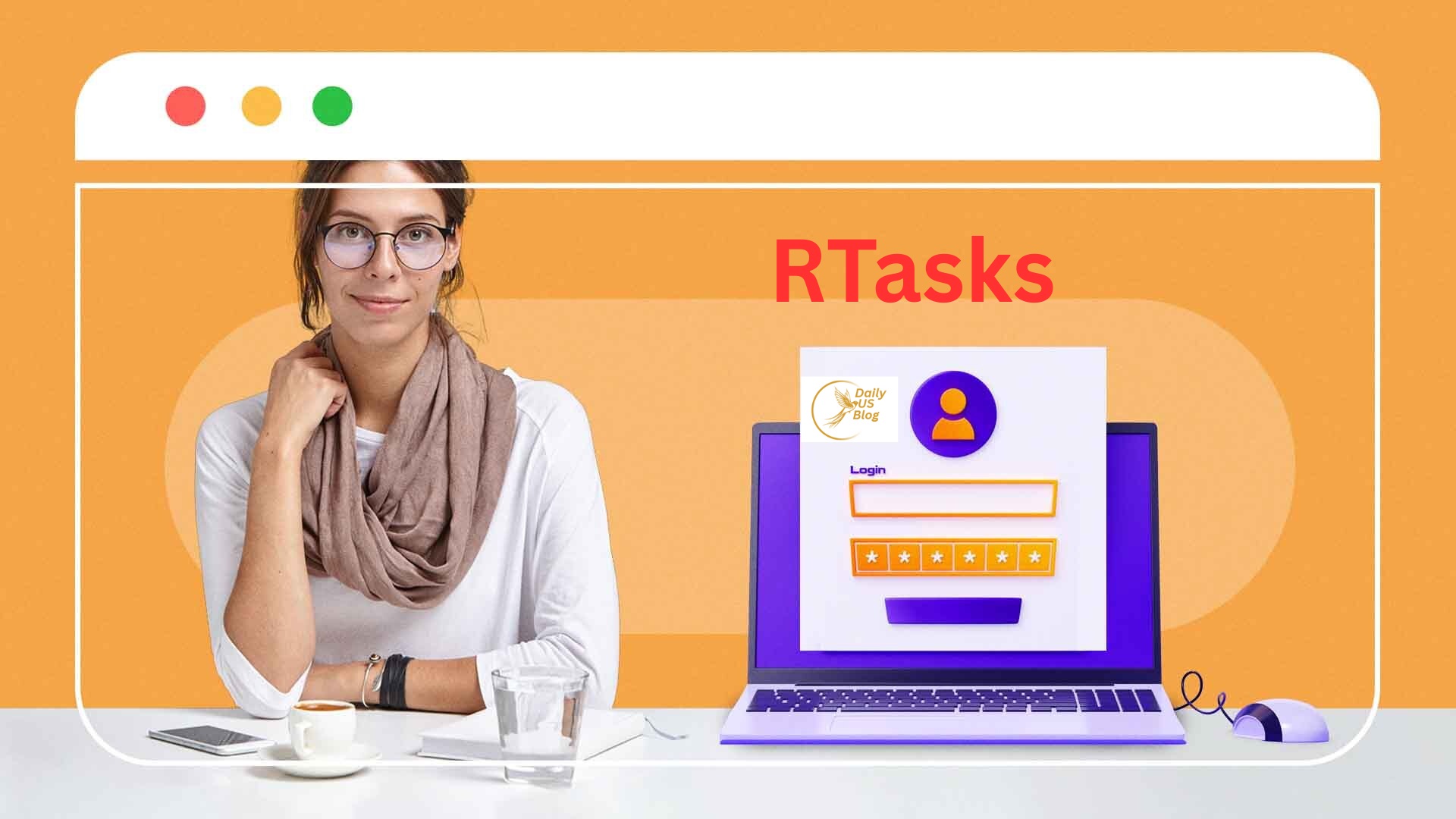
One of the defining features of modern software is accessibility. The RTasks login process is secure yet straightforward, supporting the need for staff to access information quickly.
Working on the Go
Caregivers rarely sit behind a desk. They are moving from room to room. RTasks is optimized for mobile devices, allowing staff to carry tablets or use smartphones to access the system. This mobility ensures that the chart travels with the resident, rather than remaining stuck in a binder at the nursing station.
Security Protocols
Given the sensitive nature of health data (PHI), security is non-negotiable. RTasks utilizes secure servers and typically requires unique credentials for every user. Additionally, features like timeouts and location-based clock-ins add layers of security to prevent unauthorized access.
Comparing RTasks to Competitors
Why do facilities choose RTasks over other EHR systems? The answer often lies in its specific focus. Many EHRs are watered-down hospital systems that don’t fit the residential model. R-Tasks feels native to the assisted living environment.
- Versus General Task Managers: Standard project management tools lack the clinical safeguards (like drug interaction warnings) that are standard in R-Tasks.
- Versus Hospital EHRs: Large hospital systems are often too complex and expensive for smaller residential communities. RTasks hits the “sweet spot” of functionality and affordability.
Best Practices for Maximizing RTasks
Here are some practical tips to help you maximize the value of your RTasks system:
- Utilize the Dashboard: The dashboard is not just a landing page; it is a command center. Train staff to check it constantly for alerts.
- Regular Audits: Use the “Audits” feature within R-Tasks to randomly check charts. This keeps staff improved and ensures consistent documentation habits.
- Engage with Support: Vendors like ResiDex (the creators of RTasks) often provide updates and support. Stay current with new features to ensure you aren’t missing out on tools that could save you time.
Conclusion
In an industry where the stakes are high and margins can be thin, RTasks offers a lifeline of efficiency and safety. By integrating the clinical complexities of eMAR with the practical realities of daily chores and staff management, it provides a holistic solution for modern care facilities.
Transitioning to a platform like RTasks is more than a software upgrade; it is an upgrade to your facility’s culture of care. It empowers staff with the tools they need to succeed, protects the business through rigorous accountability, and, most importantly, ensures that residents receive the precise, documented care they deserve.
If your facility is still struggling with paper records or disjointed systems, it is time to explore what RTasks can do for your operations.
Frequently Asked Questions (FAQs)
1. Is RTasks difficult for non-technical staff to learn?
RTasks is specifically designed with an intuitive interface to accommodate staff with varying levels of technical skill. The “Today” screen presents tasks in a clear, checklist format, making it easy for caregivers to see exactly what needs to be done without navigating complex menus. Most facilities find that staff can become proficient with minimal training.
2. Can RTasks handle complex medication schedules?
Yes, the eMAR system within RTasks is robust and capable of handling complex medication regimens, including PRN (as needed) medications, sliding scale insulin, and tapered doses. It also integrates with many pharmacy systems to automate updates and reduce transcription errors.
3. Does RTasks work on mobile devices?
Absolutely. RTasks is web-based and mobile-responsive, meaning it works effectively on tablets and smartphones. This allows caregivers to document services at the point of care—right in the resident’s room—rather than waiting to use a desktop computer at the end of a shift.
4. How does RTasks help with state surveys and inspections?
RTasks simplifies the survey process by keeping records organized and easily retrievable. You can quickly generate reports on staff training, resident incidents, medication administration histories, and service plans. This transparency demonstrates to surveyors that your facility is organized and compliant with regulations.
5. What happens if the internet goes down while using RTasks?
While RTasks is a cloud-based system requiring an internet connection for real-time syncing, many browsers allow for some cached data viewing. However, it is critical for facilities to have a backup plan (such as a printed MAR or mobile hotspot) in place for extended outages. After the connection returns, any unsynced data will be updated automatically.